Nothing on the internet is safe, especially if it’s protected!
 Here I’ll show you how you could easily download photos from Flickr even when this is disabled. Of course this is only for illustrative purpose, downloading images protected by copyright is (maybe or maybe not) illegal.
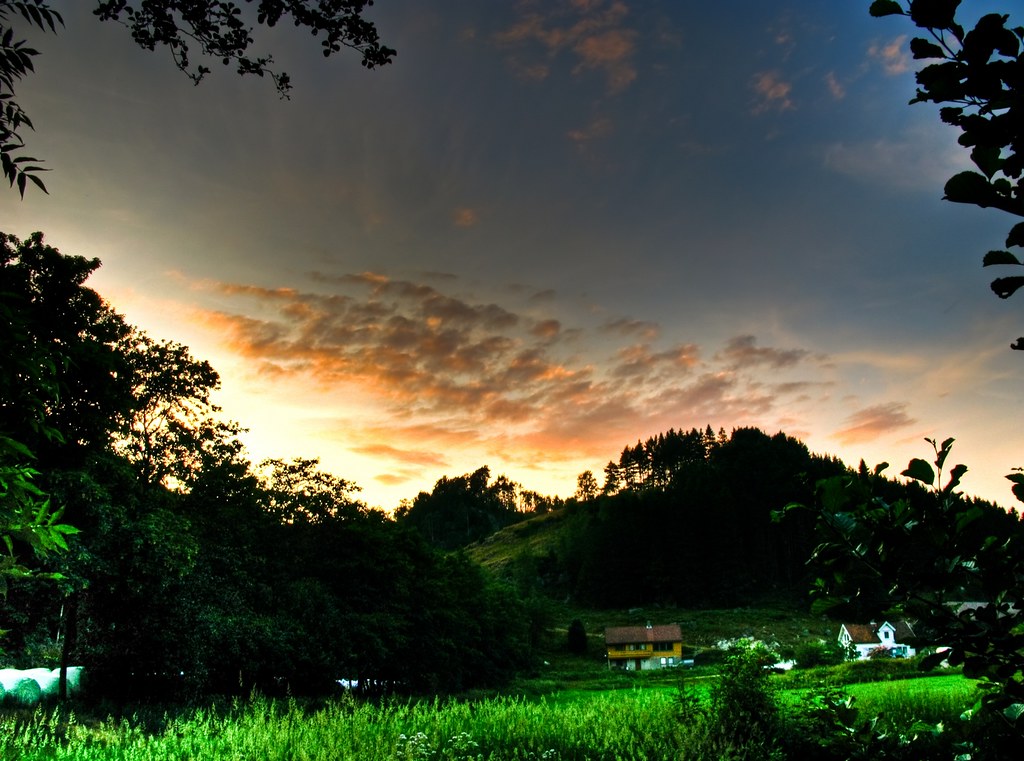
- Check out this photo of mine, it’s so cool I want to download it, but I cannot
- Right click on the picture and select Large, or just add /sizes/l/ to the url
- Now press CTRL+U (in Chrome & Firefox) to see the page source
- CTRL+F to search for “spaceball”, this is an empty DIV that avoid you to download the image
- Now just click on the link in the <img> tag below the
<div class="spaceball" style="height:761px; width: 1024px;"></div>and voilà!